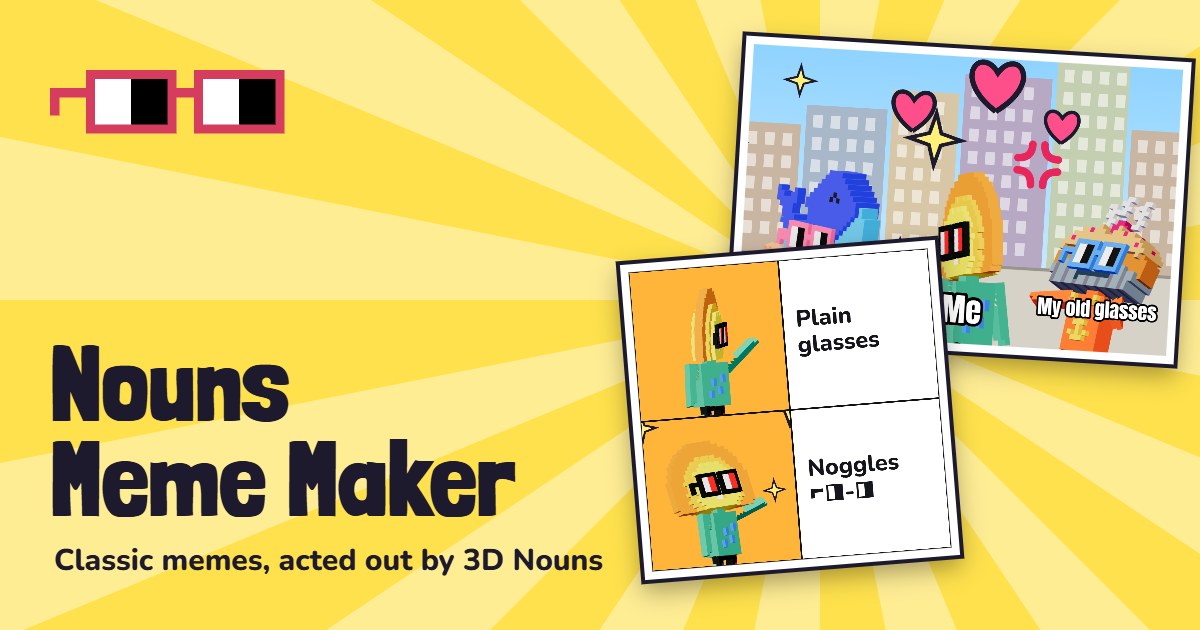
Meme generator · Creativity
Nouns Meme Maker
Memes, GIFs and videos starring 3D Nouns.
Make memes with the Nouns: 64 famous meme formats rebuilt with posed 3D Nouns. Swap in any of 60 Nouns, then download a PNG, GIF or video.
- Type
- Meme generator · Creativity
- Price
- Free, no ads, no sign-up
- Templates
- 64 meme formats, plus your own photo
- Characters
- 60 Nouns, 21 poses, 9 expressions
- Stickers
- 25, including a brainrot pack, plus 4 filters
- Animation
- 6 styles, GIF and WhatsApp-ready MP4 video
- Music
- 6 original tracks, 4 sound effects or your own song
- Shapes
- Original or vertical 9:16 (1080 × 1920, video 720 × 1280)
- Batch
- Up to 64 memes in one ZIP
- Saving
- My memes, on your device
- Install
- Installs as an app
What is Nouns Meme Maker?
Nouns Meme Maker is a free meme generator you use in your browser. Instead of the original photos, every template is a scene acted out by posed 3D Nouns, so each meme you make stars the Nouns.
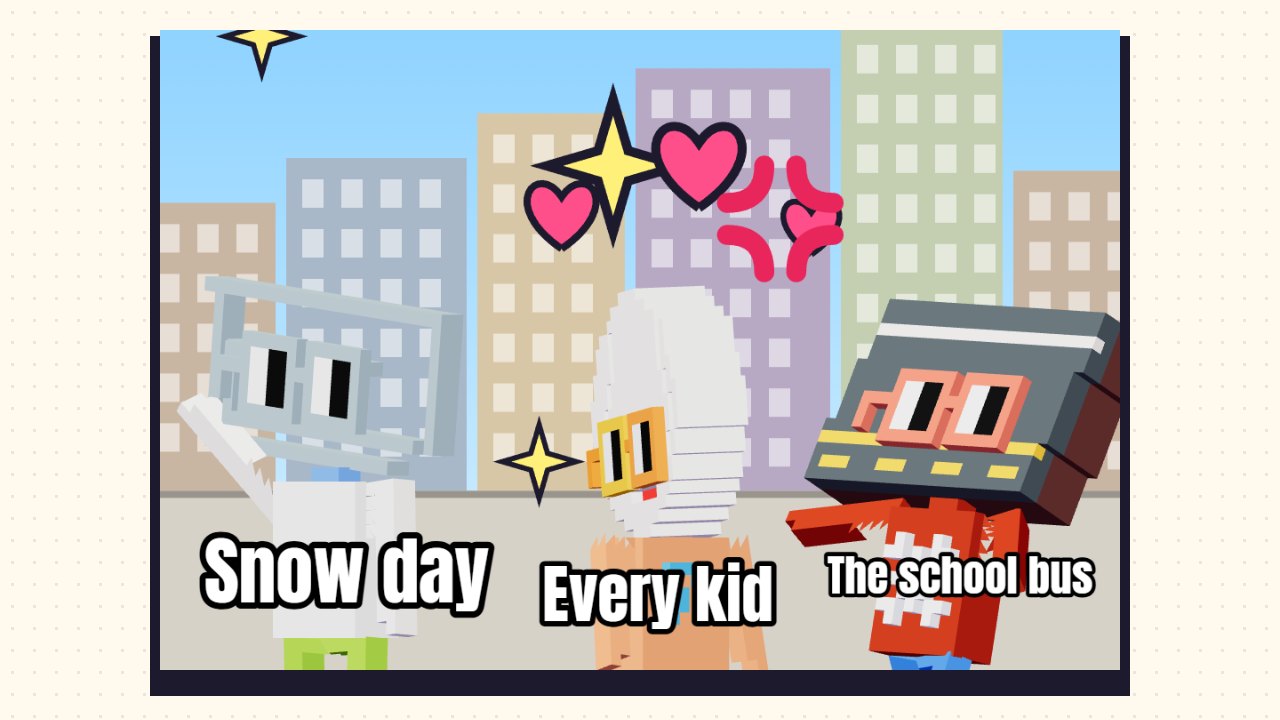
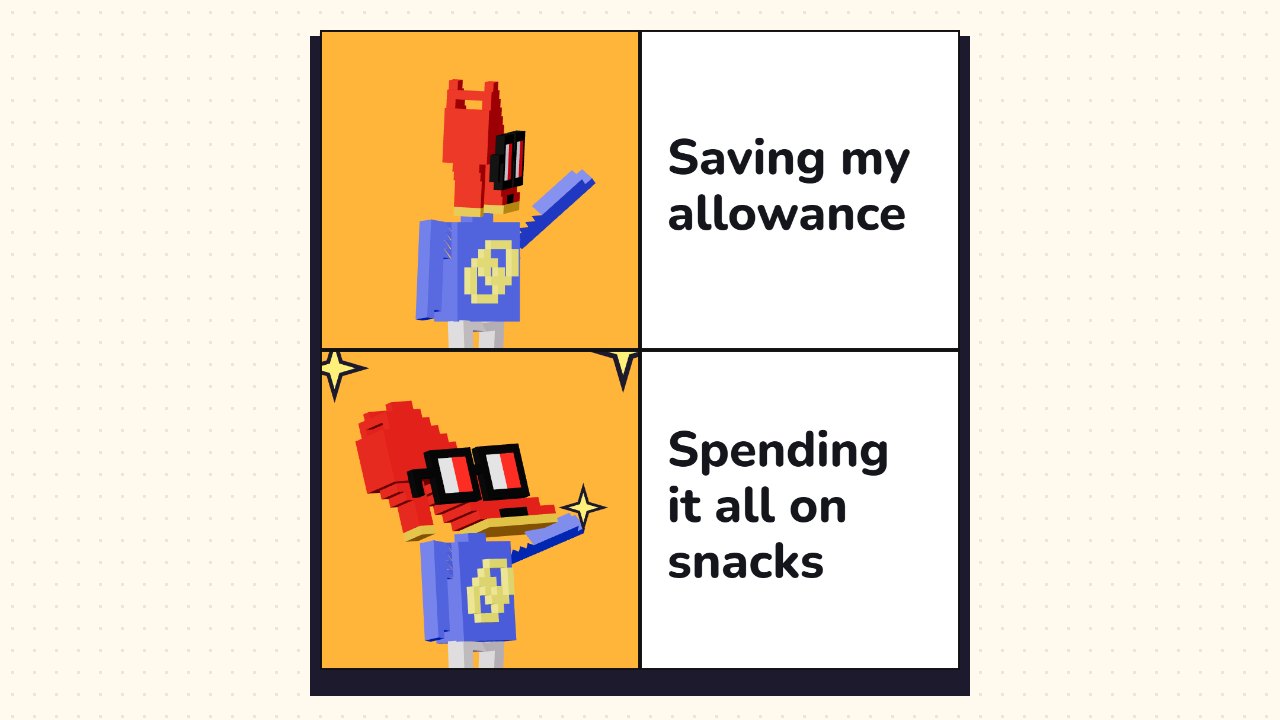
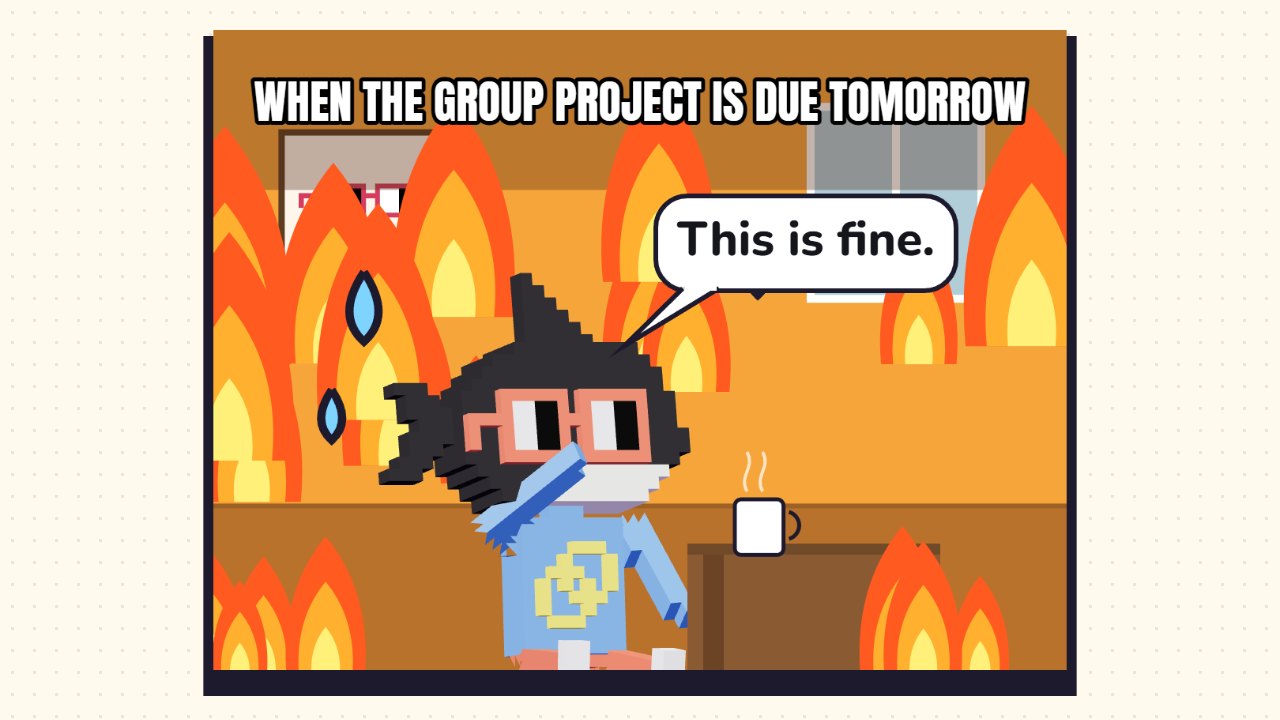
There are 64 templates. Most are famous meme formats such as Distracted Boyfriend, Expanding Brain, This Is Fine, Two Buttons, Is This a Pigeon?, Bell Curve, Two Guys on a Bus and Trade Offer, and a few are Nouns originals like gm. Each comes with ready-made, family-friendly captions you can cycle through, or you can write your own. You can also start from your own photo, or open a selfie straight from Nouns Lens.
Tap a Noun to swap in any of 60 characters, change its pose and expression, or add more Nouns. Recolour any panel, add stickers, deep-fry it or hit Brainrot for slang captions, chaotic stickers and a bass-boosted camera. Then download a PNG, an animated GIF or a video with music, or make up to 64 memes at once and download them all in one ZIP.
Watch the Nouns Meme Maker trailer
45 seconds of the real app, filmed in the browser. Download the trailer (about 7 MB) to share it.
Nouns Meme Maker screenshots
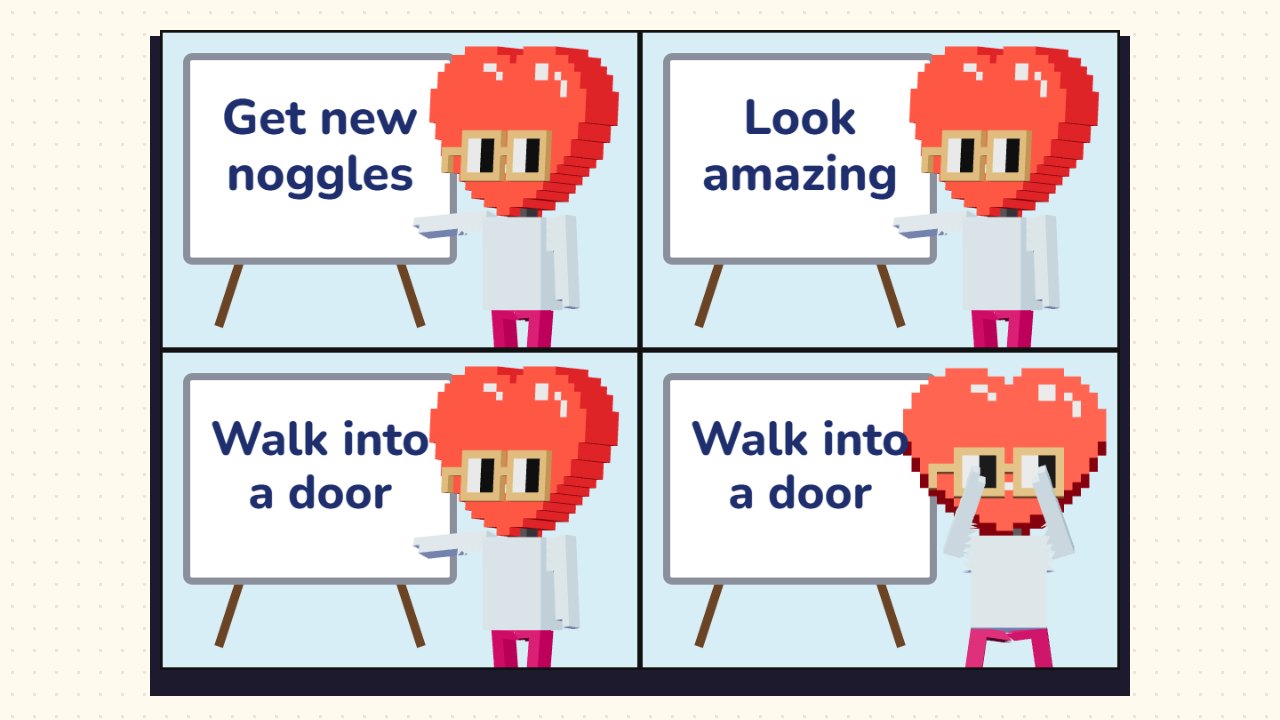
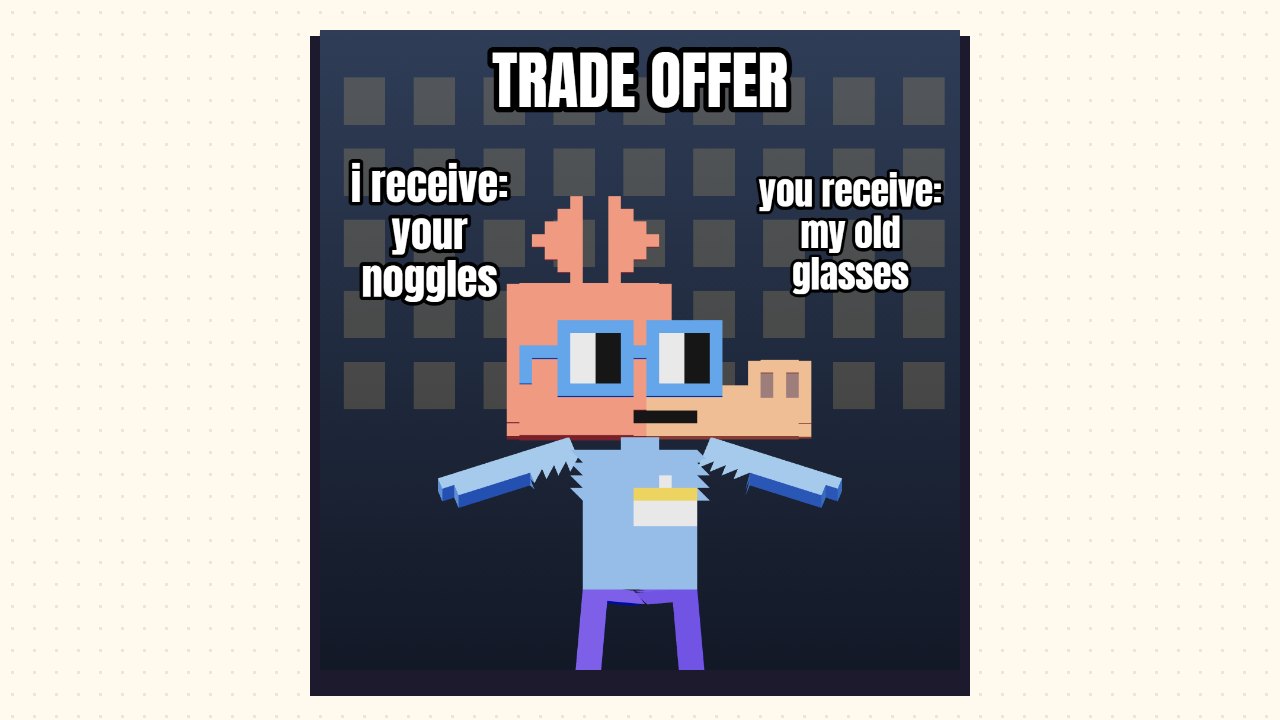
Features
64 classic memes, Nouns style
Meme formats redrawn as scenes with 3D Nouns, never the original photos. Search them by name.
Your own photos
Use a photo as the background, stick photos on like polaroids, and add Nouns to photobomb them. Photos stay on your device.
Nouns Lens selfies
Take a Noggles selfie in Nouns Lens and tap Make it a meme to caption it here.
Swap and add Nouns
Pick from 60 Nouns, with 21 poses like point, nope, shrug, flex and facepalm, and expressions such as sweat, tears, shock and laser eyes.
Any background colour
Recolour one panel or all of them from a palette or any colour you like.
Brainrot mode
One tap for slang captions, +1000 aura, NPC, W and L stickers, a deep-fry, a shaky camera and phonk.
GIFs and videos
Six animations from a gentle bop to dramatic zoom and full brainrot. Download a looping GIF or a video up to 14 seconds long.
Music and sound effects
Six original music loops (phonk, 8-bit, lo-fi, epic, bouncy and suspense), effects like boom and air horn, or your own song.
Vertical 9:16
Export any meme, GIF or video framed at 9:16 over a blurred backdrop, ready for Stories, Reels, TikTok, Shorts and WhatsApp Status.
Batch and ZIP
Make up to 64 memes at once: a random mix, one of each template, every caption, or your own list of captions. Download them all as PNG, JPG or GIF in one ZIP.
How to open
- Open Nouns Meme Maker and tap Templates to pick a meme, Photo to use your own, or Remix for a surprise.
- Edit the captions in the Text tab, or tap New caption for a ready-made one. Tap Brainrot for chaos.
- Tap a Noun to swap it and change its pose and expression. Recolour panels in Effects.
- Drag anything to move it, and pinch or drag the yellow dot to resize it.
- Download, copy or share your meme, or tap GIF / Video to make it move with music.
Controls
Touch
- Tap
- Select a Noun, caption or sticker
- Drag
- Move it
- Pinch · yellow dot
- Resize it
- Double-tap a caption
- Edit its text
- Tap an empty spot
- Pick that panel for the background colour
Keyboard & mouse
- Click · drag
- Select · move
- Scroll wheel
- Resize the selection
- Arrow keys
- Nudge (Shift for bigger steps)
- Delete
- Remove a sticker, photo or added caption
- Ctrl+Z
- Undo
Meme templates
Nouns Meme Maker questions
Is Nouns Meme Maker free?
Yes. It is free in your browser, with no ads and no sign-up.
Does it use the original meme photos?
No. Every template is redrawn as a scene with 3D Nouns. The template names say which famous meme inspired each one.
Can I use my own photos?
Yes. Add a photo as the background or as a sticker. Photos are shrunk and kept on your device; nothing is uploaded.
Can I make GIFs and videos?
Yes. Tap GIF / Video, pick an animation, music and a sound effect, then download a looping GIF or a video. Videos save as MP4 (H.264 and AAC), ready to send on WhatsApp, Instagram or TikTok. A few older browsers can only make WebM.
Can I make vertical memes for Stories and TikTok?
Yes. Pick Vertical 9:16 under Download shape, or in the GIF / Video and Batch panels. Stills come out at 1080 × 1920 and videos at 720 × 1280, with your meme centred on a blurred copy of itself.
Can I make lots of memes at once?
Yes. Batch makes up to 64 memes in one go and downloads them all in a single ZIP file.
Where are my memes saved?
In My memes, on your device only. Clearing your browser data removes them, so download the ones you want to keep.
Can I use my memes anywhere?
Yes. The Nouns characters are CC0, and you can turn off the small noggles.online tag. If you add your own song, make sure you are allowed to use it.
Ready to open?
Free in your browser on phones, tablets and computers. No download, no sign-up.
 Nouns Scenery
 Nouns K12
 Nouns Lingo
 Nouns News
 Nouns Calm
 Nouns Cooking