Creative · AR photo booth
Noggles Lens Lab
Your face. A little more nounish.
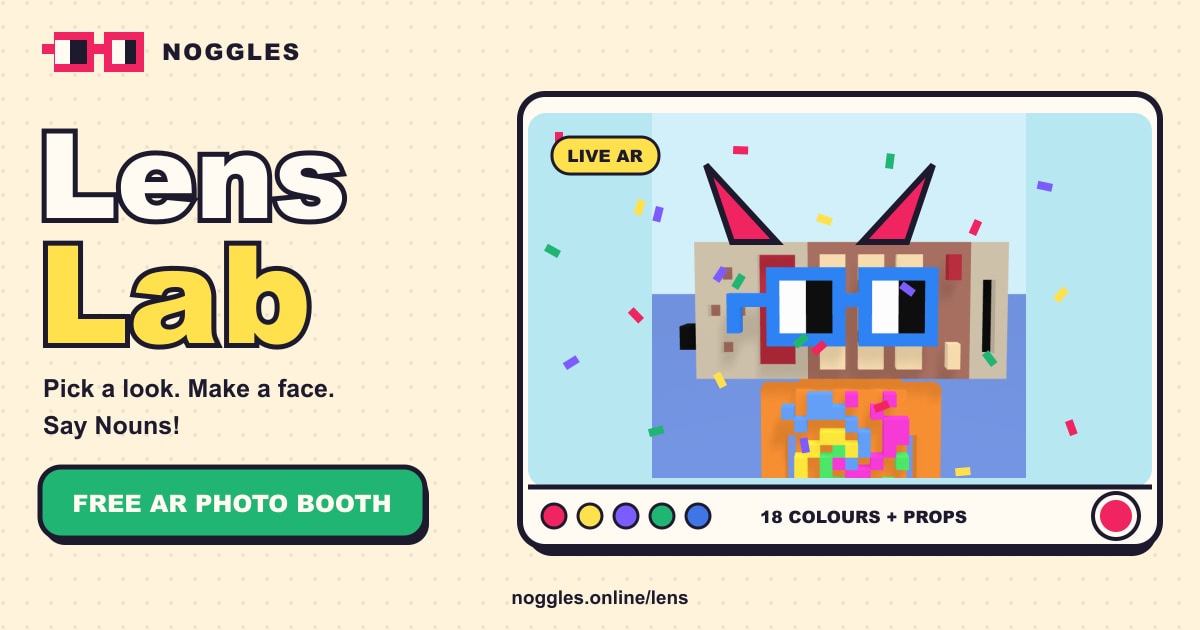
Put your Noggles on with a face-tracked AR photo booth. Choose your frame colour, try sun shades or a pixel booth, and capture a photo. Camera and photos stay on your device.
- Type
- AR photo booth
- Price
- Free, no ads, no sign-up
- Looks
- Classic, Sun shades, Pixel booth
- Colours
- 18 plus your own
- Props
- 9 head props
- Borders
- 8 scene borders
- Privacy
- Camera frames stay on your device
- No camera?
- Use a photo or the 3D demo
What is Noggles Lens Lab?
Noggles Lens Lab is a free augmented reality photo booth. Turn on your camera and a pair of Nouns noggles tracks your face, ready for a photo.
Choose a look, Classic, Sun shades or Pixel booth, pick one of 18 frame colours or your own, add a head prop like a pixel crown, party hat or UFO, and frame the shot with a border such as Confetti, Arcade or Wanted poster. Smile for sparkles, open your mouth for confetti and raise your brows for a rainbow.
Face and hand tracking run on your device, so camera frames are never sent anywhere. No camera? Use a photo, or play with the 3D Box Noun demo.
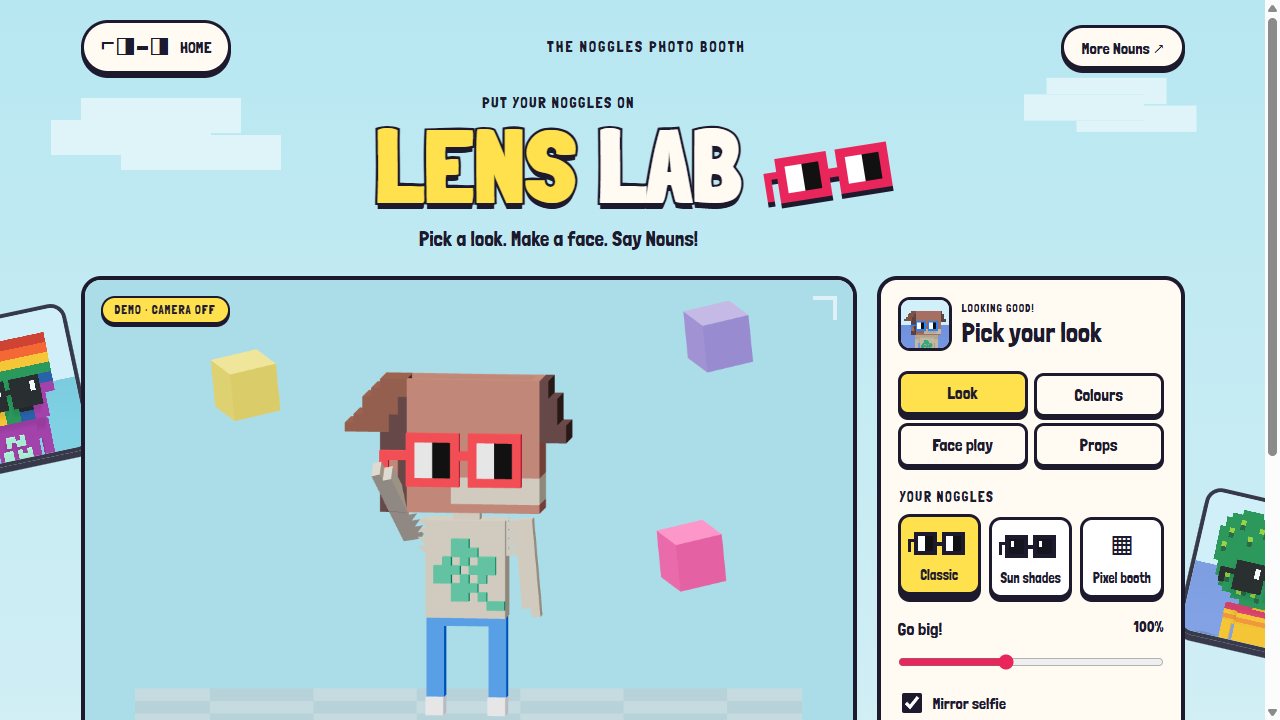
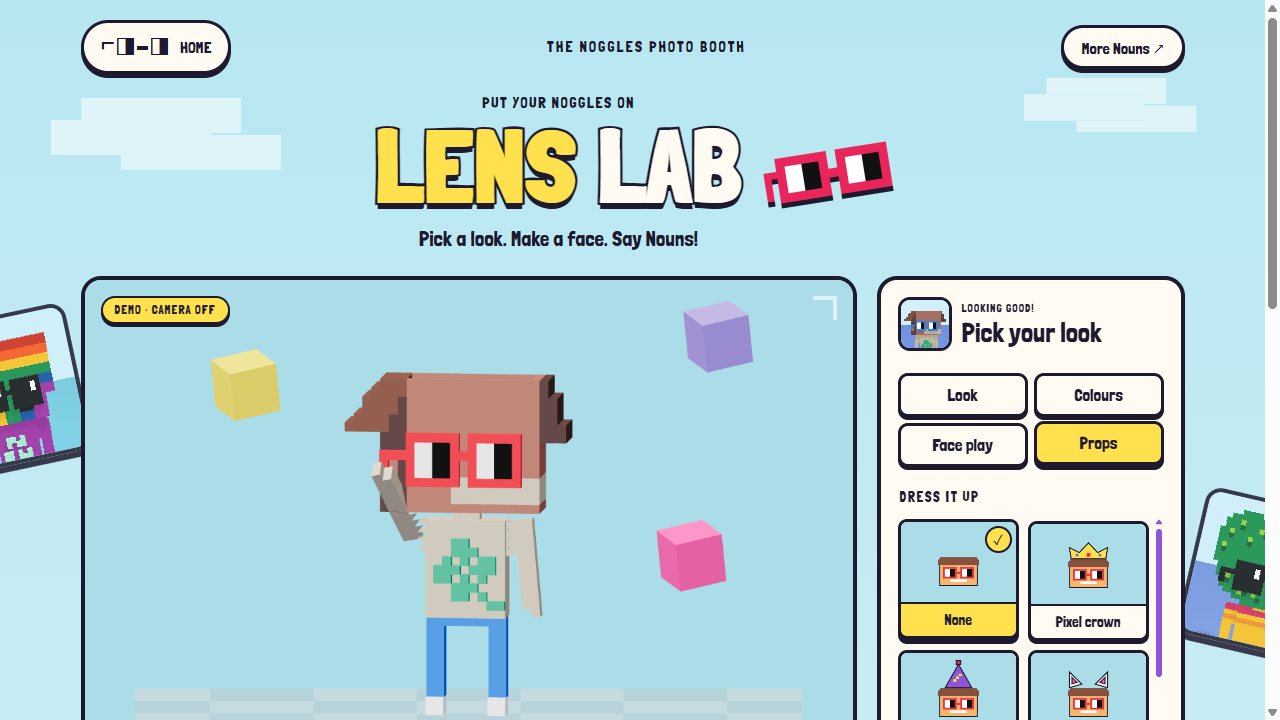
Noggles Lens Lab screenshots
Features
Live face tracking
The noggles follow your face as you move.
Three looks and 18 colours
Classic, Sun shades and Pixel booth, in colours from Nouns red to Midnight, or any colour you pick.
Nine head props
Pixel crown, party hat, cat ears, space antenna, bunny ears, wizard hat, flower power, burger hat and UFO hat.
Eight borders
Confetti, Rainbow, Arcade border, Go bananas, Egg-cellent, Slime time, Comic pop and Wanted poster.
Face play
Smile for sparkles, open your mouth for confetti, raise your brows for a rainbow.
Hand gestures
Pinch for the next colour, open your palm to shuffle, show a peace sign for a timed photo.
Photos without a camera
Upload a portrait, or style the 3D Box Noun.
Timer and mirror
A three-second timer and mirror mode for selfies, saved as a PNG.
How to try
- Open Noggles Lens Lab and press Start camera, or use a photo.
- Pick a look and a frame colour.
- Add a head prop and a border from Props.
- Smile, or press the shutter. The timer gives you three seconds.
- Save your photo. It stays on your device until you share it.
Head props
Noggles Lens Lab questions
Is Noggles Lens Lab free?
Yes. It is free in your browser, with no ads and no sign-up.
Are my photos uploaded?
No. Face and hand tracking run on your device, and camera frames are never sent to a server. Photos stay on your device until you save or share them.
Do I need a camera?
No. You can use a photo from your device, or style the 3D Box Noun demo.
Which browsers work?
A recent browser with camera access. The camera needs a secure (HTTPS) page, which the site provides.
Can I record video?
Not yet. Lens Lab takes still photos, saved as PNG files.
Ready to try?
Free in your browser on phones, tablets and computers. No download, no sign-up.
 Nouns Scenery
 Nouns K12
 Nouns Lingo
 Nouns News
 Nouns Calm
 Nouns Cooking