Educational · Math
Nouns K12
Math from Kindergarten to Calculus.
A math learning game for every grade, K to 12. Noun teachers explain each skill with step-by-step worked examples, then adaptive practice, tutor hints that spot your mistake, quizzes and grade tests against the Grumps.
- Subject
- Math, Kindergarten to Grade 12
- Price
- Free, no ads, no account
- Skills
- 148 across 13 grades
- Curriculum
- Common Core, plus Singapore Primary 4 extras
- Learners
- Several profiles on one device
- Plays on
- Phones, tablets and computers
- Saving
- On your device, with backup to a file
- Install
- Installs as an app and works offline
What is Nouns K12?
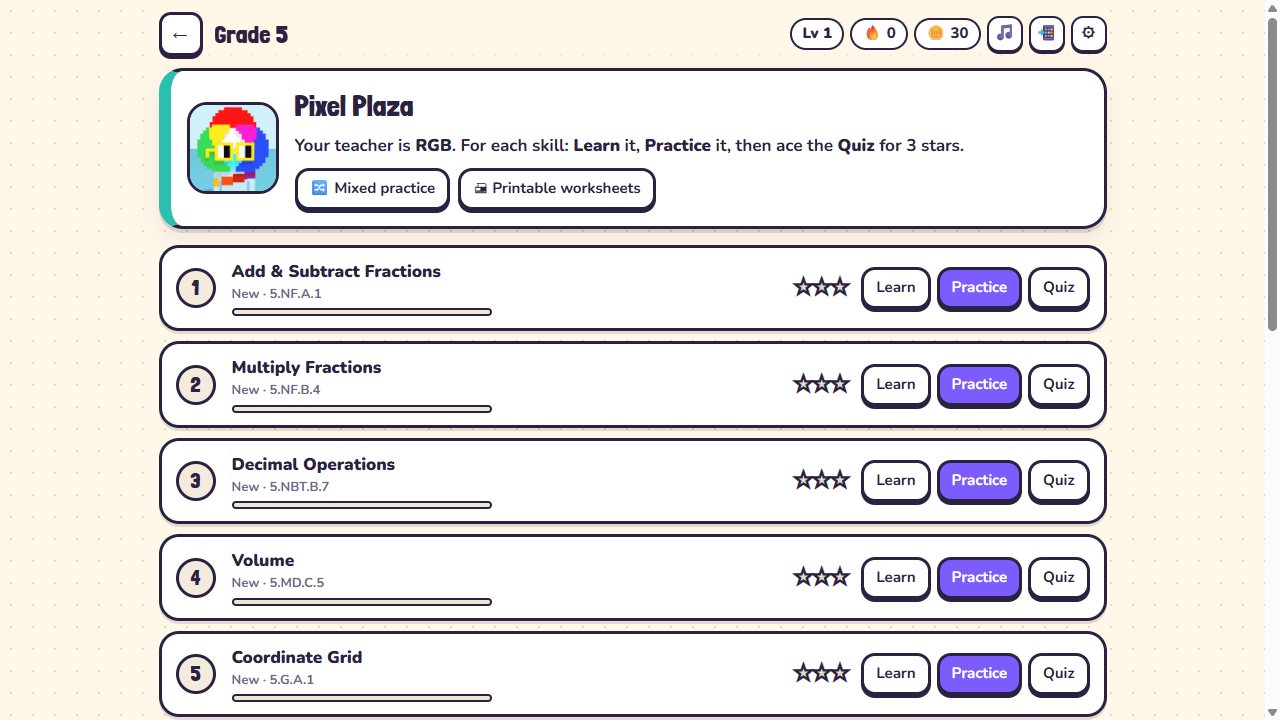
Nouns K12 is a free math learning game for every grade, from Kindergarten counting to Precalculus and Calculus. Each grade is an island with its own Noun teacher, from Counting Cove to Zap Summit.
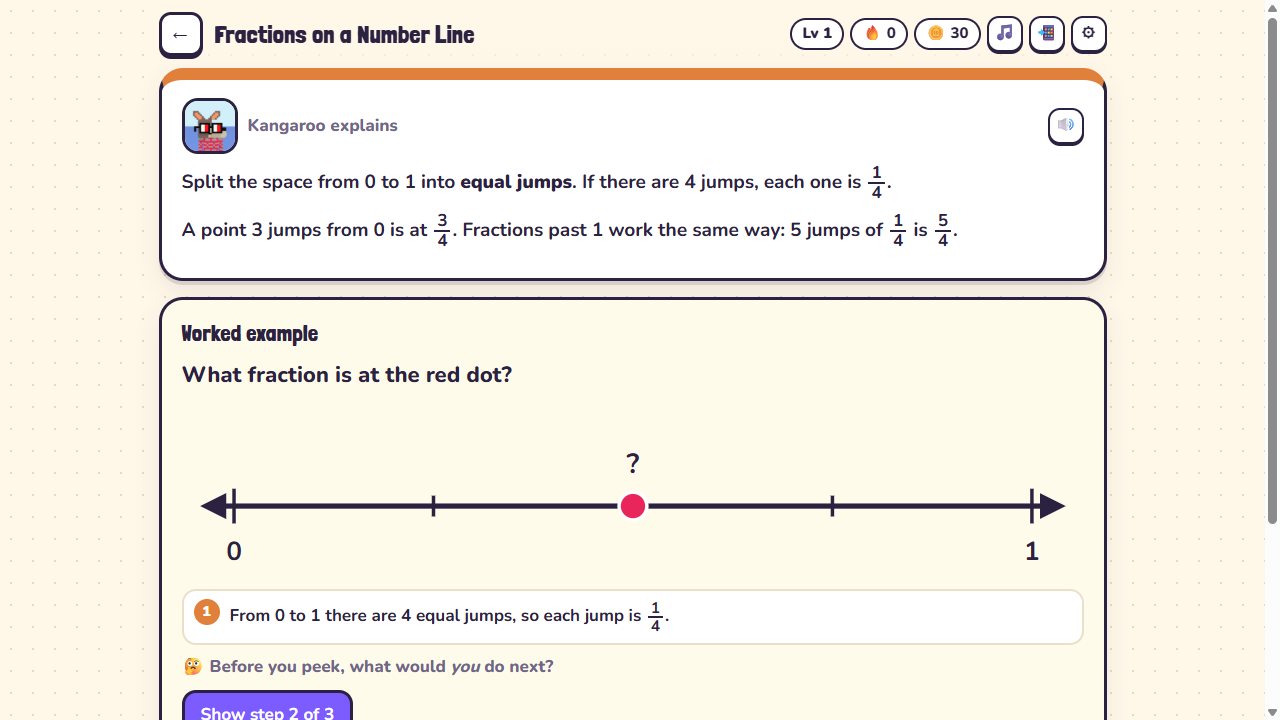
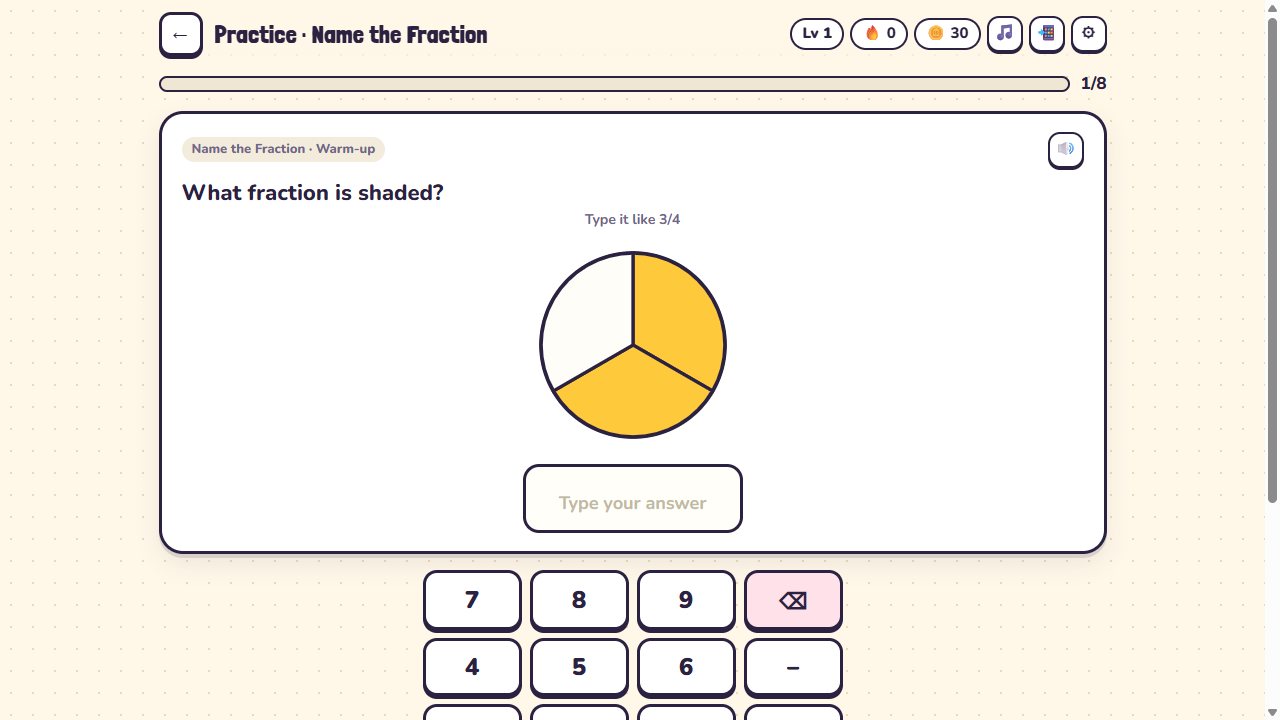
Every skill starts with Learn: an explanation and a step-by-step worked example, with Explain it another way when the first explanation does not click. Then comes Practice, eight adaptive questions with a tutor that spots the kind of mistake you made, nudges you and gives you a second try. A five-question Quiz earns stars.
Each grade ends with a Grade Test against a Grump, with a per-skill report and a certificate. Along the way there are daily quests, streaks, weekly leagues, trophies, Noggle Blitz rounds and 99 Nouns to collect.
Nouns K12 screenshots
Features
Worked examples first
Every skill is taught step by step before any practice.
A tutor that spots the mistake
It recognises slips like sign errors, off-by-one and flipped fractions, then nudges and gives a second try.
Ask your teacher
Ask for the idea, another way, a similar example or a hint for the next step.
Adaptive practice and spaced review
Questions move between warm-up, core and stretch, and skills come back for review after one, three and seven days.
Grade Tests against the Grumps
Finish a grade with a test, a skill-by-skill report and a certificate.
Noggle Blitz
60-second rounds for fast facts.
Printable worksheets
Print a worksheet with an answer key, or send a Challenge link to a friend.
Collect 99 Nouns
Plus quests, trophies, streaks and weekly leagues from Bronze to Noggle.
How to open
- Open Nouns K12 and choose a grade, or take Find my level to place yourself.
- Pick a skill and start with Learn to see a worked example.
- Practise eight questions. Ask your teacher if you get stuck.
- Take the five-question Quiz to earn stars.
- When the grade is done, beat the Grade Test for your certificate.
Controls
Keyboard
- 1 – 4
- Pick an answer
- Digits · . · /
- Type an answer
- Enter
- Check, then next question
- Backspace
- Delete
- Esc
- Close the tutor
Touch
- Keypad
- Type answers on screen
- Tap and drag
- Visual questions like number lines and clocks
Grades
Nouns K12 questions
Is Nouns K12 free?
Yes. It is completely free, with no ads and no account needed.
What ages is it for?
Every grade from Kindergarten to Grade 12, ending with Precalculus and Calculus: limits, derivatives and integrals.
Which curriculum does it follow?
It follows the US Common Core math standards, with some extra Singapore Primary 4 skills in Grade 4.
Can more than one child use it?
Yes. Several learners can each have their own profile on the same device.
Where is progress saved?
Progress stays on your device. You can back it up to a file and restore it later.
Does it read questions aloud?
Yes. Questions can be read aloud with your device’s voice, and there are settings for big text and a calm mode without confetti.
Does it work offline?
Yes. Install it to your home screen and it keeps working without a connection.
Ready to open?
Free in your browser on phones, tablets and computers. No download, no sign-up.
 Nouns Scenery
 Nouns Lingo
 Nouns News
 Nouns Calm
 Nouns Cooking
 Nouns PDF Studio