Hidden object · Puzzle
Nouns Finder
A little lost. A lot of fun.
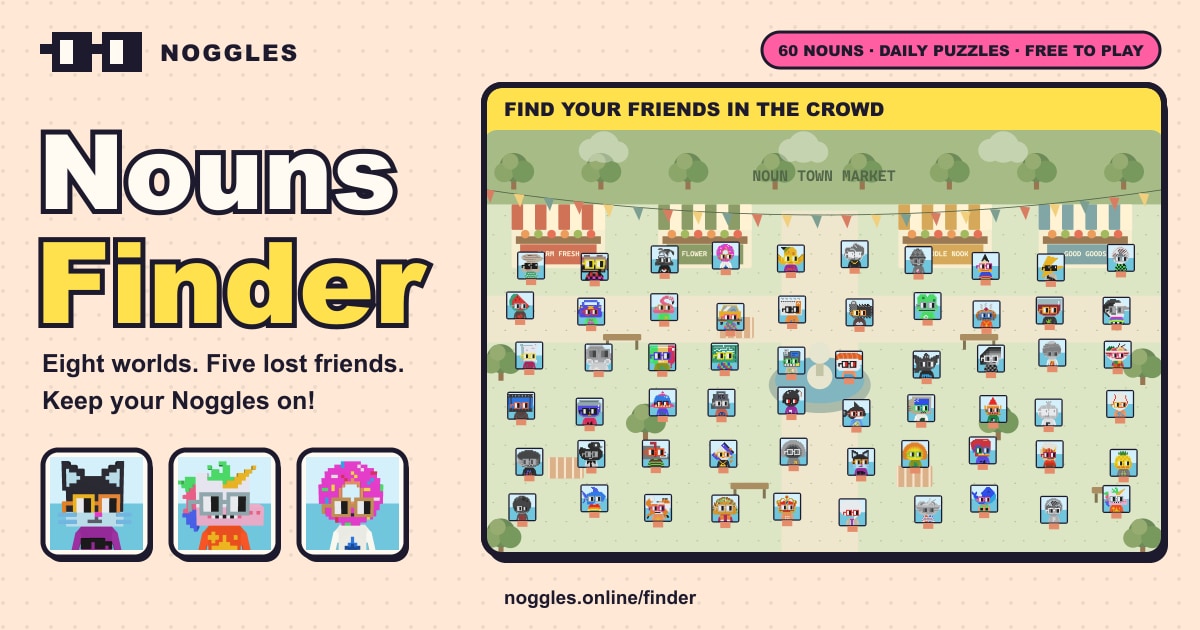
Find five hidden Nouns across eight animated worlds, from market stalls to snowy villages and rooftop parties. Explore different crowd layouts with an original soundtrack and reunite your search party.
- Genre
- Hidden object · Puzzle
- Price
- Free, no ads, no sign-up
- Worlds
- 8 animated locations
- Each round
- Find 5 of 60 Nouns, with 3 hints
- Daily puzzle
- A new crowd every day
- Plays on
- Phones, tablets and computers
- Saving
- Resumes your round after a reload
- Install
- Installs as an app and plays offline
What is Nouns Finder?
Nouns Finder is a free hidden object game you play in your browser. Each round fills one of eight animated worlds with a crowd of 60 Nouns, and your job is to find the five shown in the sidebar.
Every Noun appears exactly once, so there are no tricky lookalikes. Pinch and drag to search the crowd, and if you get stuck, a hint tells you which part of the scene to look in and pans the camera there. You get three hints per round.
Play any world you like, shuffle the crowd for a new layout or take on the Daily puzzle, which is the same for everyone that day. Your best time is kept for every world.
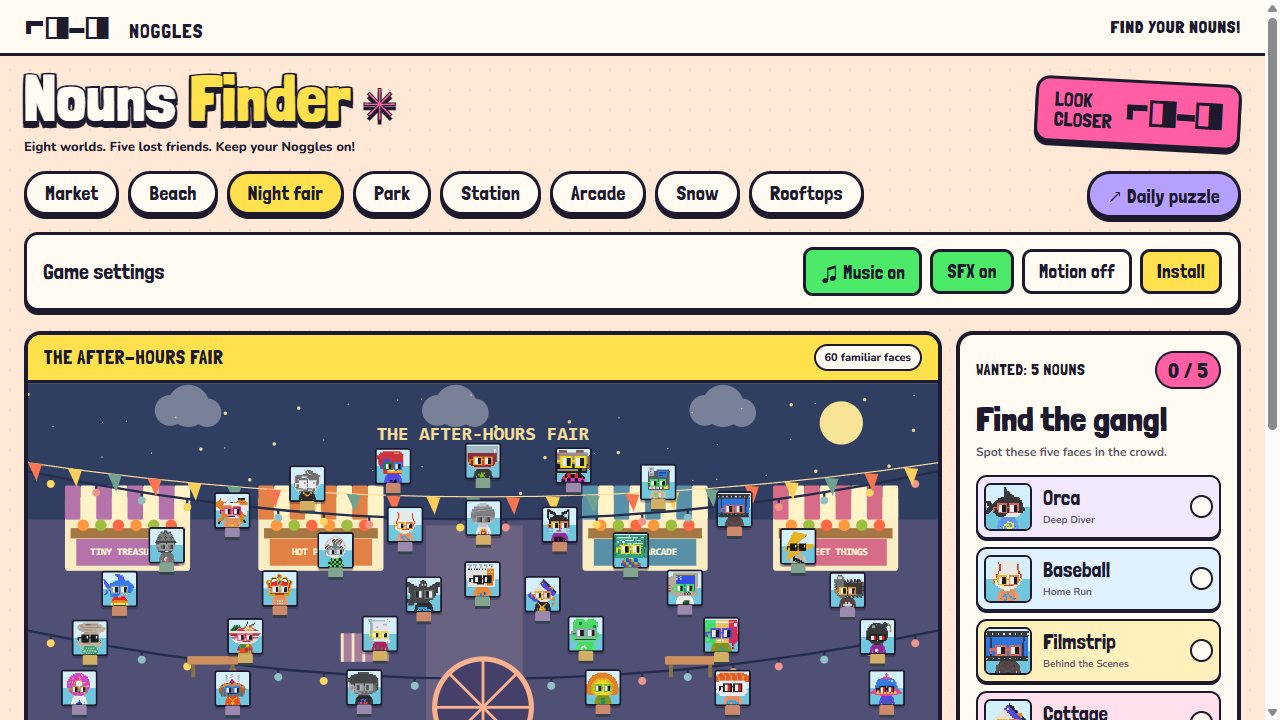
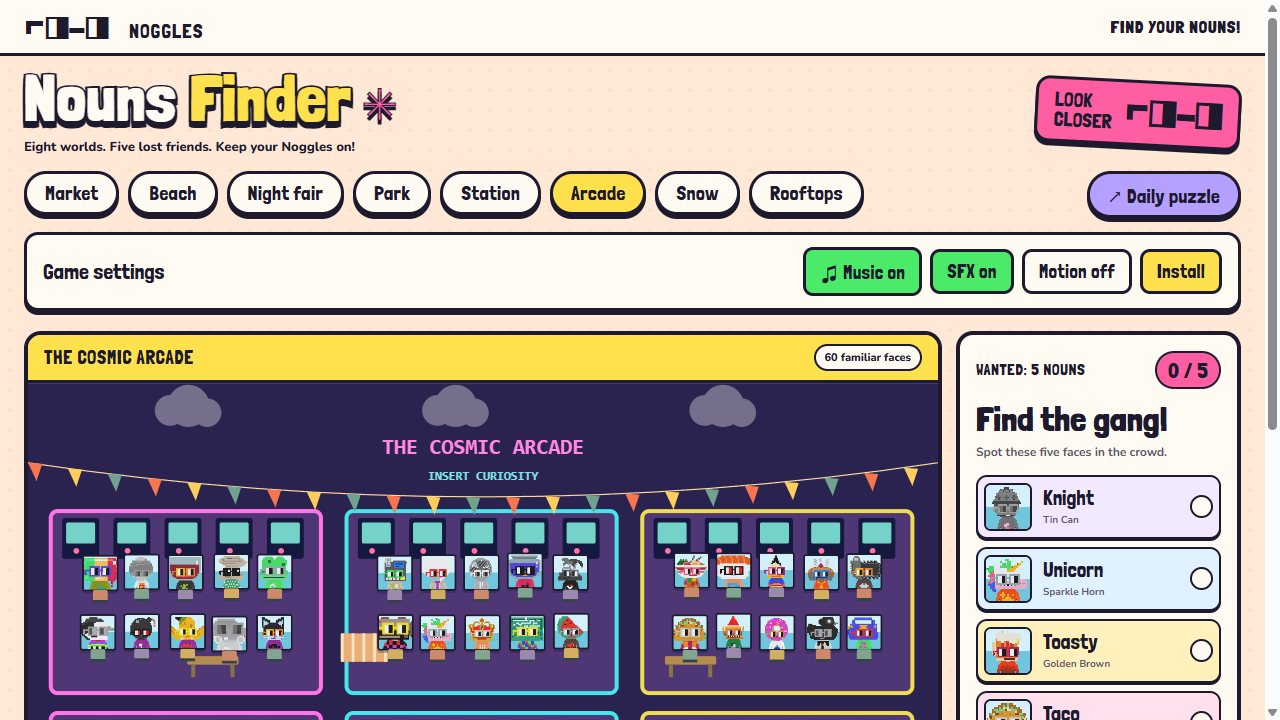
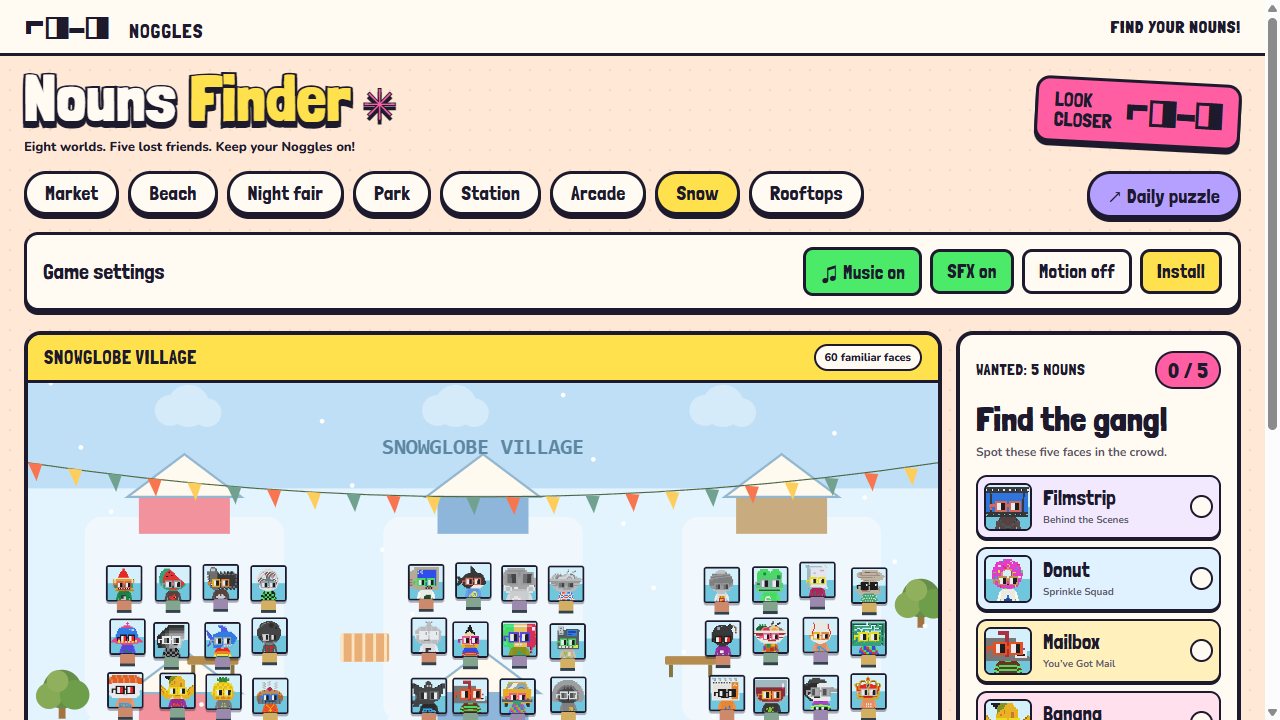
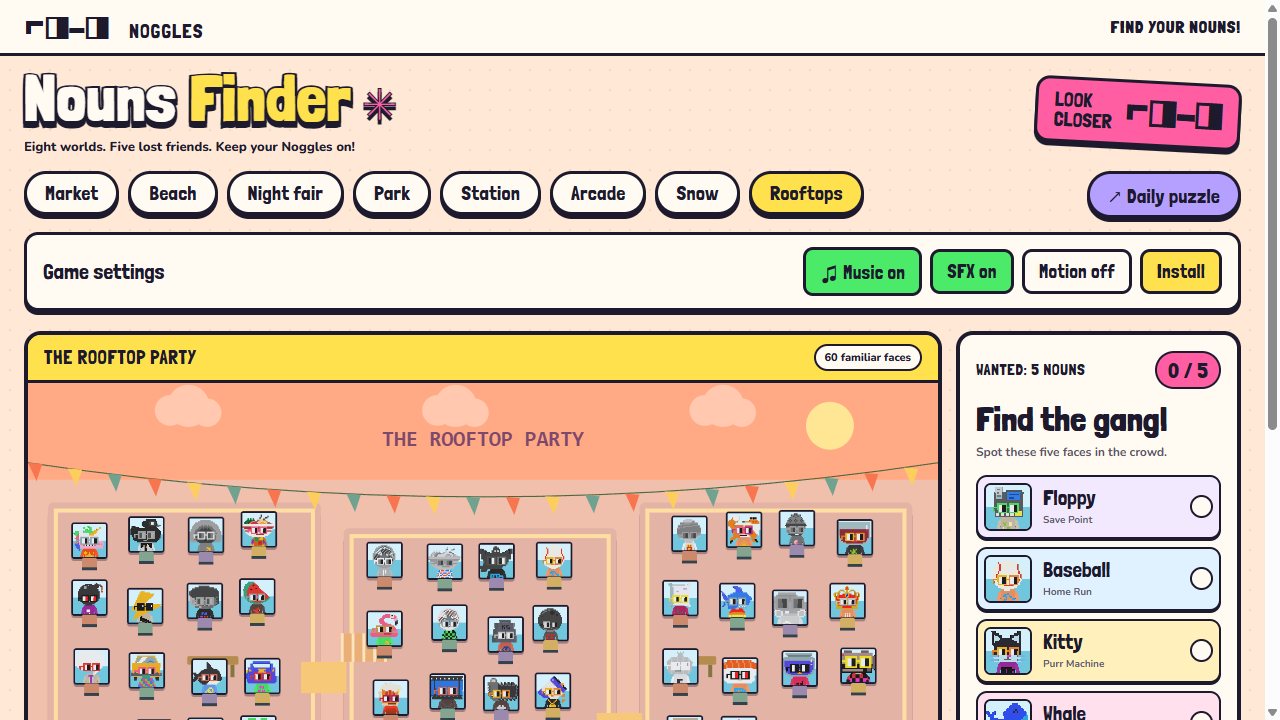
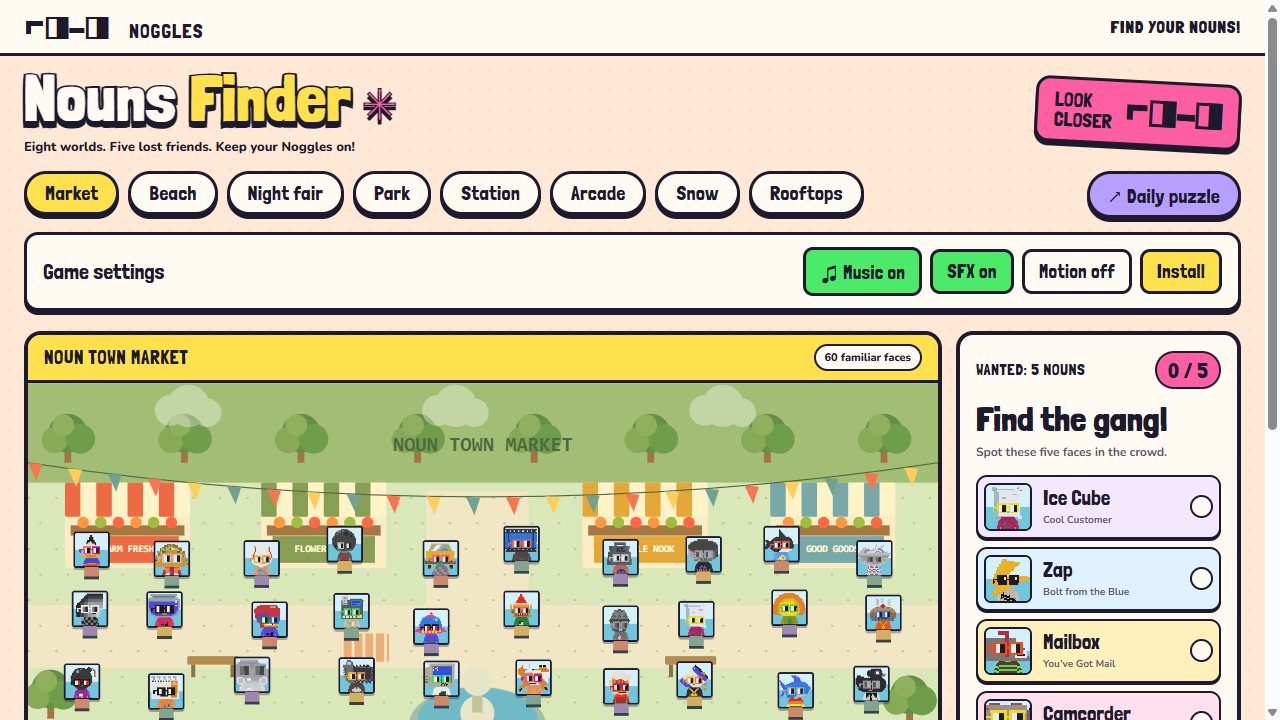
Nouns Finder screenshots
Features
Eight animated worlds
From Noun Town Market and The Beach Club to Snowglobe Village and The Rooftop Party, each with its own crowd layout.
A daily puzzle
The same crowd for everyone, changing at midnight.
Three hints per round
A hint names the area, such as upper left, and pans the camera there.
Best times
A timer runs every round and your best time is saved for each world.
An original soundtrack
Music made live in your browser, with a different tempo for every location.
Made for touch
Pinch to zoom, drag to look around and tap to find.
How to play
- Open Nouns Finder and pick a world, or press Daily puzzle.
- Look at the five Nouns in the sidebar: they are hidden somewhere in the crowd.
- Drag and zoom around the scene, and tap a Noun when you spot it.
- Stuck? Press Hint (H) to see where to look.
- Find all five to stop the clock, then shuffle the crowd for a new round.
Controls
Keyboard & mouse
- Click
- Pick a Noun
- Drag · wheel
- Pan · zoom
- + / − · 0
- Zoom · fit the scene
- Arrows
- Pan
- H
- Hint
- M · S
- Music · sound effects
- F
- Full screen
Touch
- Tap
- Pick a Noun
- Drag
- Look around
- Pinch
- Zoom
Worlds
Nouns Finder questions
Is Nouns Finder free?
Yes. It is free to play in your browser, with no ads and no sign-up.
How does the Daily puzzle work?
Each day has one crowd and location, the same for everyone. It changes at local midnight.
How many hints do I get?
Three per round. Each hint names the area where a missing Noun is hiding and moves the camera there.
Are there duplicates in the crowd?
No. Every one of the 60 Nouns appears exactly once, so each target has only one right answer.
Will I lose my progress if I close the page?
No. The round in progress is saved and picks up where you left off when you come back.
Does it work offline?
Yes. Once it shows Offline ready, it keeps working without a connection.
Ready to play?
Free in your browser on phones, tablets and computers. No download, no sign-up.
 Nouns City
 Nouns Brawl
 Nouns Kart
 Nouns Village
 Nouns Defense
 Nouns Pets