Productivity · PDF editor
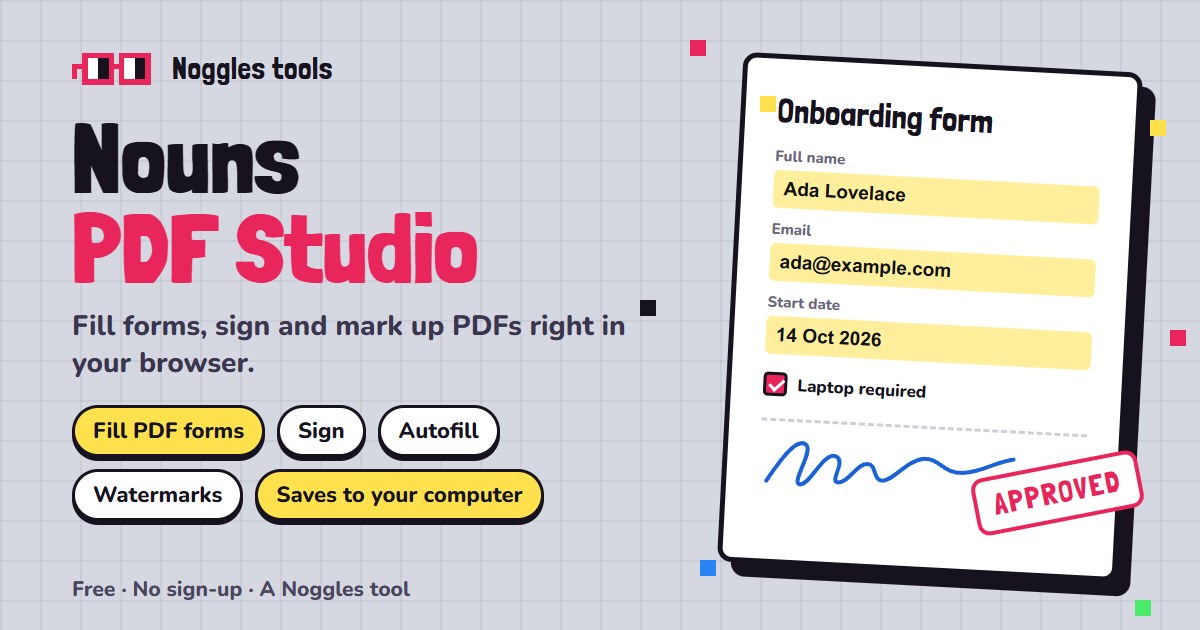
Nouns PDF Studio
Fill, sign and mark up PDFs with the Nouns.
A free PDF editor in your browser: type straight into PDF forms, sign, highlight and annotate, add text, shapes, watermarks and logos, and reorder, split, merge or compress pages. Saved entries autofill the forms you fill every week, and Save writes the PDF straight back to your computer.
- Type
- PDF editor
- Price
- Free, no ads
- Account
- Not needed (optional for cloud features)
- Edit
- Forms, text, images, shapes, signatures
- Organise
- Merge, split, remove pages, compress
- Scan
- Photo or camera to PDF, up to 20 pages
- Saving
- Back to the same file in Chrome and Edge
- Install
- Installs as an app and opens PDFs
What is Nouns PDF Studio?
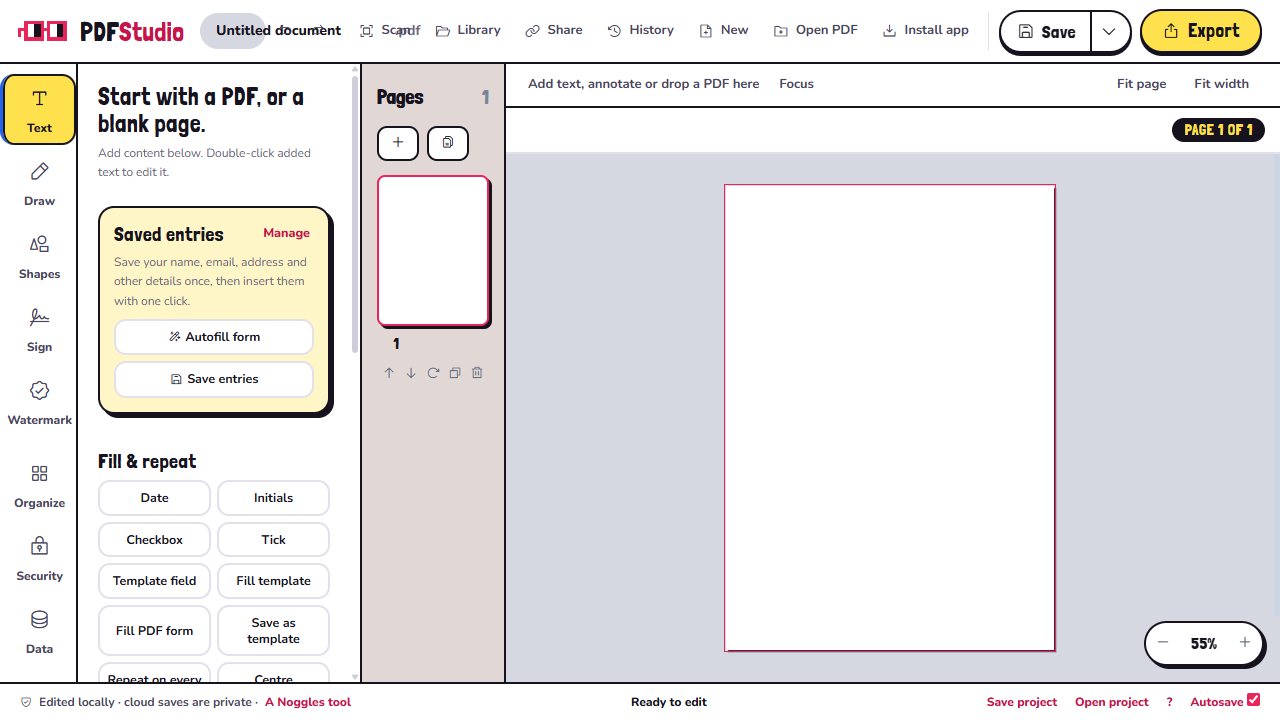
Nouns PDF Studio is a free PDF editor that runs in your browser. Open or drop in a PDF, or start from a blank page, then type into its form fields, add text, images, shapes, highlights, drawings, stamps, logos and signatures.
Organise your pages too: merge several PDFs, split or extract pages, remove pages and compress the file. Add a text or logo watermark to every page, password-protect an export, scan paper documents with your camera, or create many PDFs at once from a CSV file with DocuMerge.
Your PDFs are processed in your browser. Save writes straight back to the file in Chrome and Edge, and you never need an account. An optional account adds a cloud library and review links you can share.
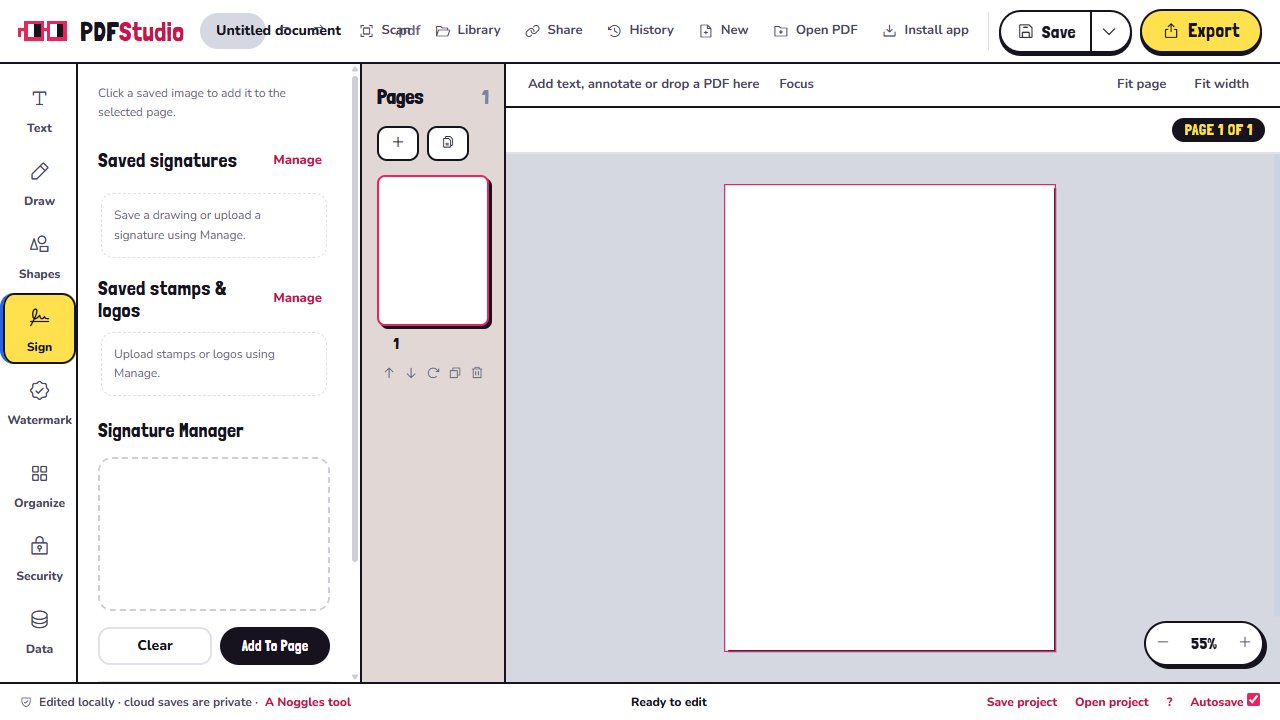
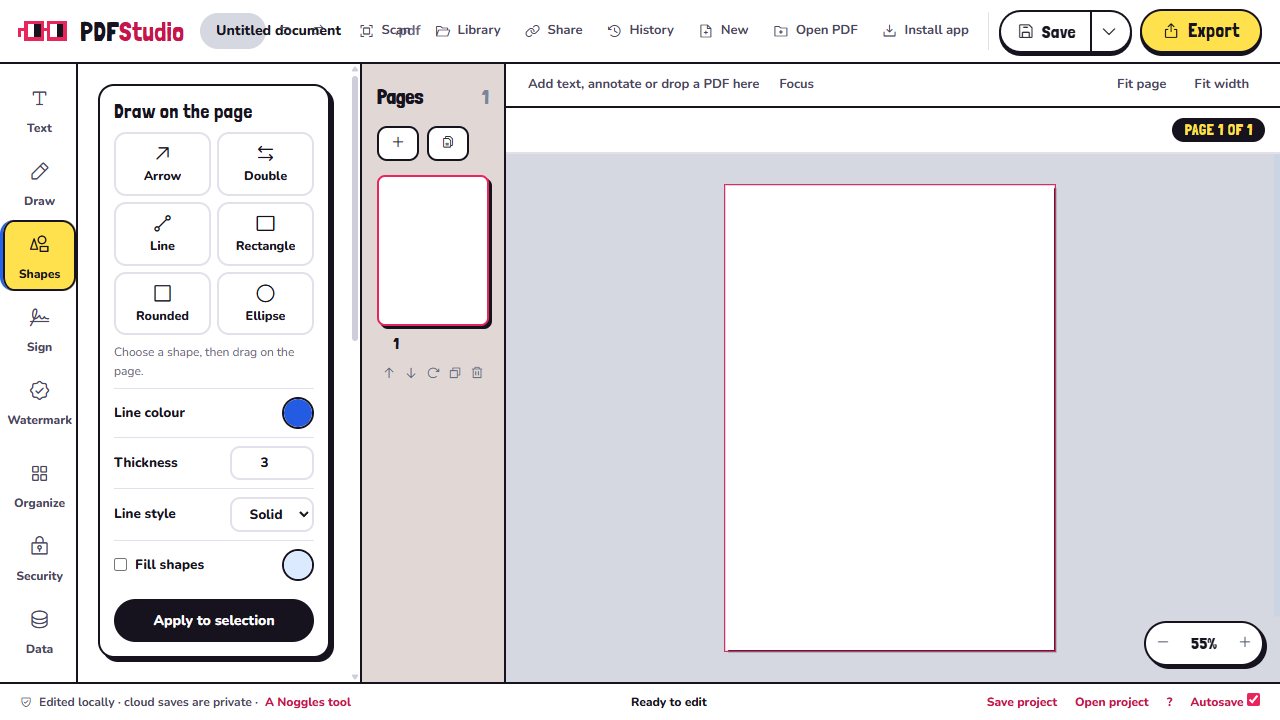
Nouns PDF Studio screenshots
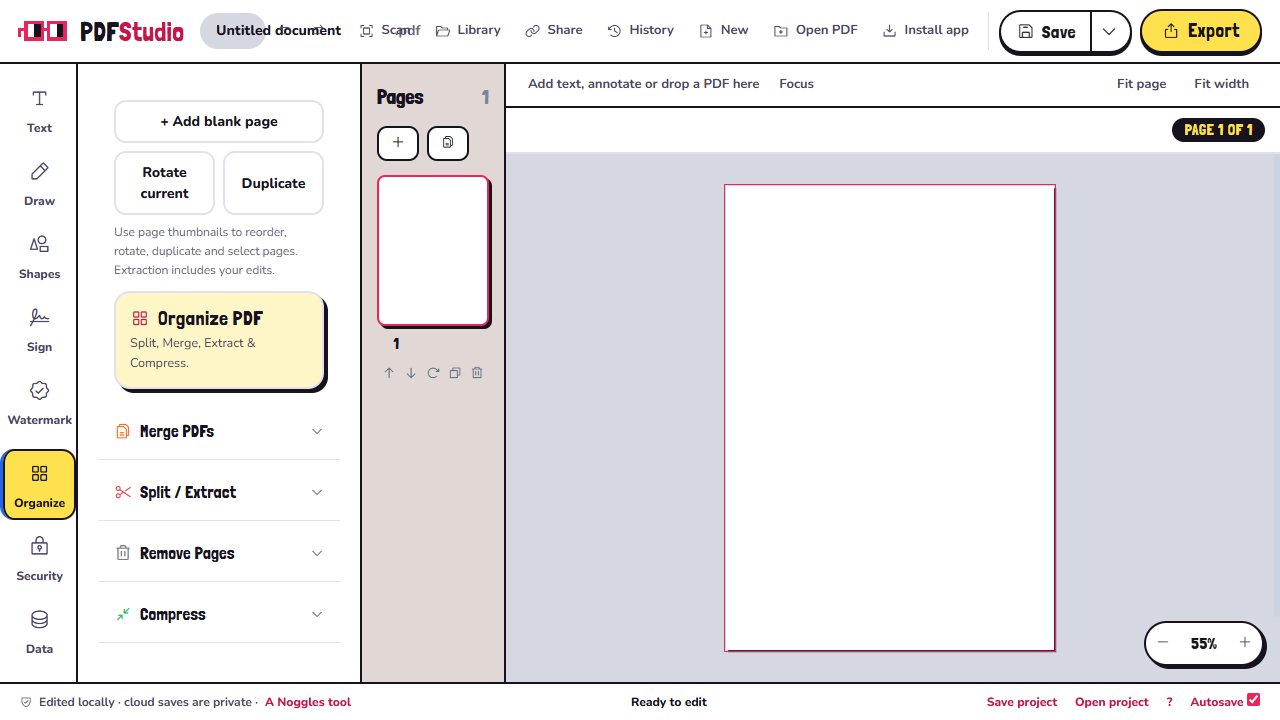
Features
Fill in PDF forms
Type straight into form fields. The standard save keeps the form fillable.
Sign documents
Draw a signature once, save it and drag it onto any page.
Annotate
Text in six fonts, highlights, pen, 16 shapes, images and masking boxes.
Watermarks
Put text or your logo across every page.
Organise pages
Merge, split or extract, remove pages and compress large files.
Scan to PDF
Turn photos of paper into a clean PDF, with the corrections done on your device.
DocuMerge
Make a batch of personalised PDFs from a CSV spreadsheet.
Saved entries
Keep your name, address and other details to autofill forms later. They stay on your device.
How to open
- Open Nouns PDF Studio and drop in a PDF, or start with a blank page.
- Click a form field to type, or pick Text, Draw, Shapes, Sign or Watermark from the sidebar.
- Use Organize to merge, split, remove pages or compress.
- Press Ctrl + S (⌘ + S on a Mac) to save, or Export for a flattened copy.
Controls
Keyboard
- Ctrl / ⌘ + Z
- Undo (Shift for redo)
- Ctrl / ⌘ + S
- Save (Shift for save as)
- Delete
- Remove the selection
- Arrows
- Nudge (Shift for 10 px)
- Double-click
- Edit text
Tools
Nouns PDF Studio questions
Is Nouns PDF Studio free?
Yes. All the editing tools are free, with no ads, and you do not need an account.
Are my files uploaded?
No. PDFs are opened and edited in your browser. Files only go to the cloud if you choose to sign in and use the optional cloud library or share links.
Can I edit the original text in a PDF?
You can add text, cover text with a masking box and fill forms, but it does not reflow the original text or run OCR.
Will my form stay fillable?
Yes, with the standard save or the Original quality export. Flattened exports turn everything into a fixed page.
Can I password-protect a PDF?
Yes, when you export a flattened copy.
Does it work offline?
Yes. Install it and it keeps working without a connection, and it can open PDFs straight from your computer.
Ready to open?
Free in your browser on phones, tablets and computers. No download, no sign-up.
 Nouns Scenery
 Nouns K12
 Nouns Lingo
 Nouns News
 Nouns Calm
 Nouns Cooking