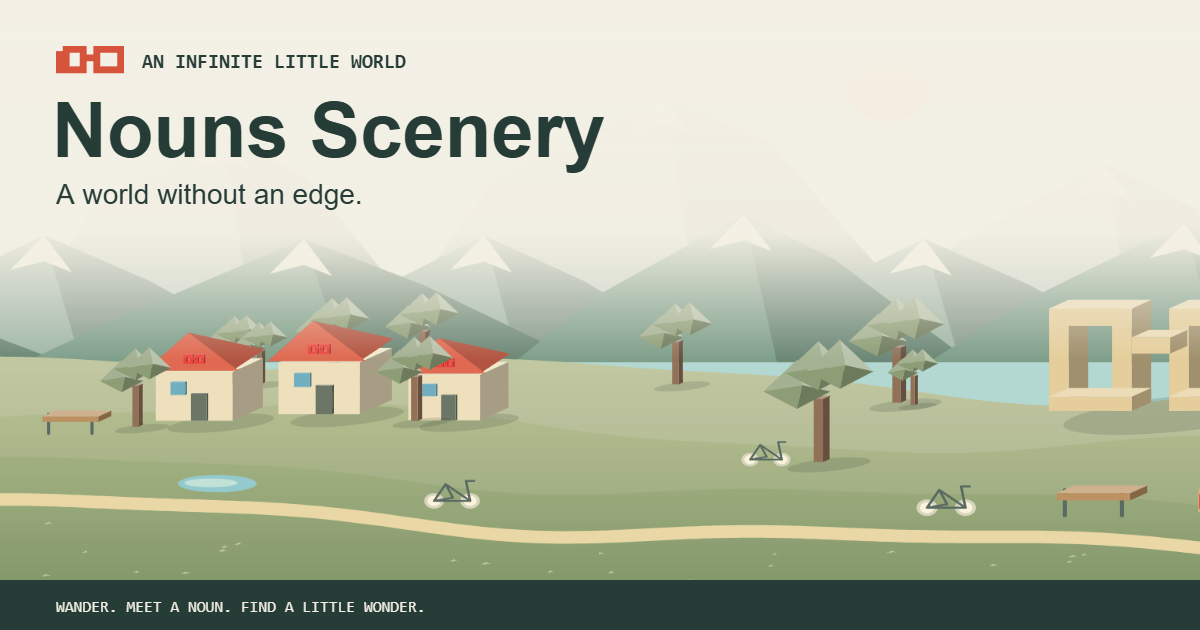
Creative · Generative landscape
Nouns Scenery
A world without an edge.
Wander through an endless, living Nouns landscape. Discover Noggle monuments, tiny villages and curious locals in a world generated from your own seed.
- Type
- Creative · Generative landscape
- Price
- Free, no ads, no sign-up
- Sceneries
- 12, plus a journey through all of them
- Art styles
- 14
- Palettes
- 63
- Weather
- Clear, breezy, gentle rain, thunderstorm
- Share
- A link to your exact spot
- Install
- Installs as an app
What is Nouns Scenery?
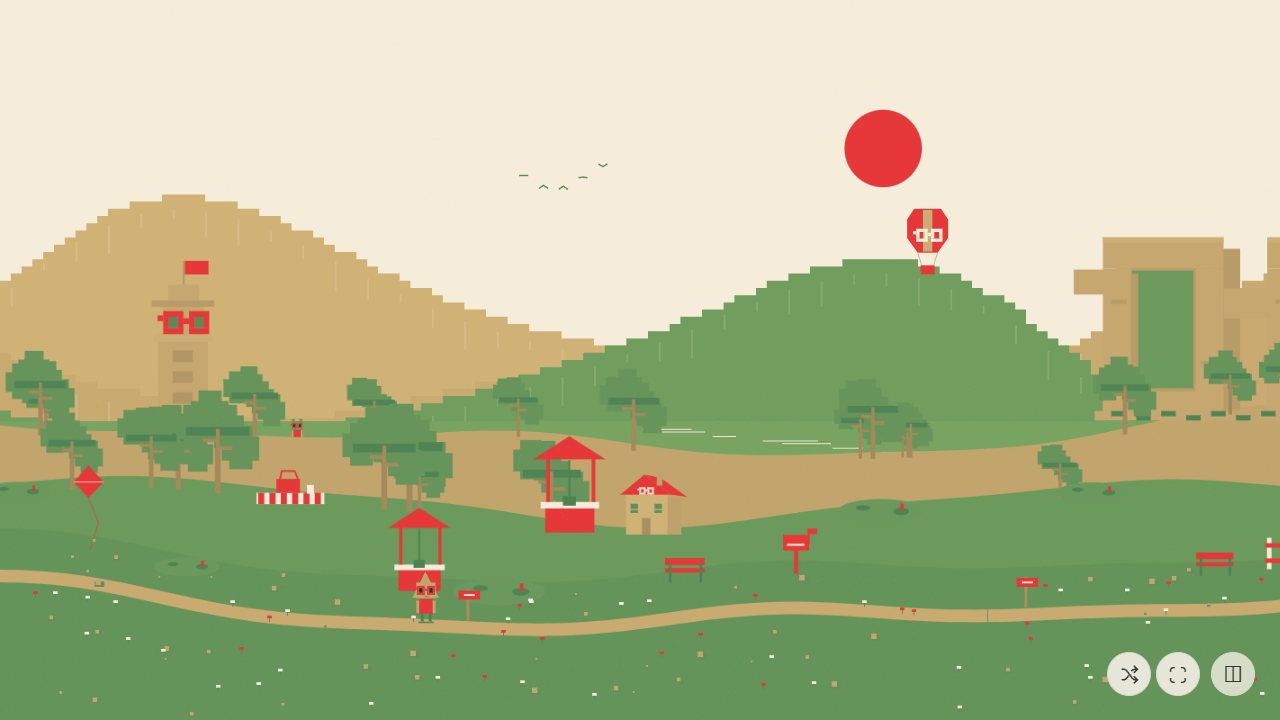
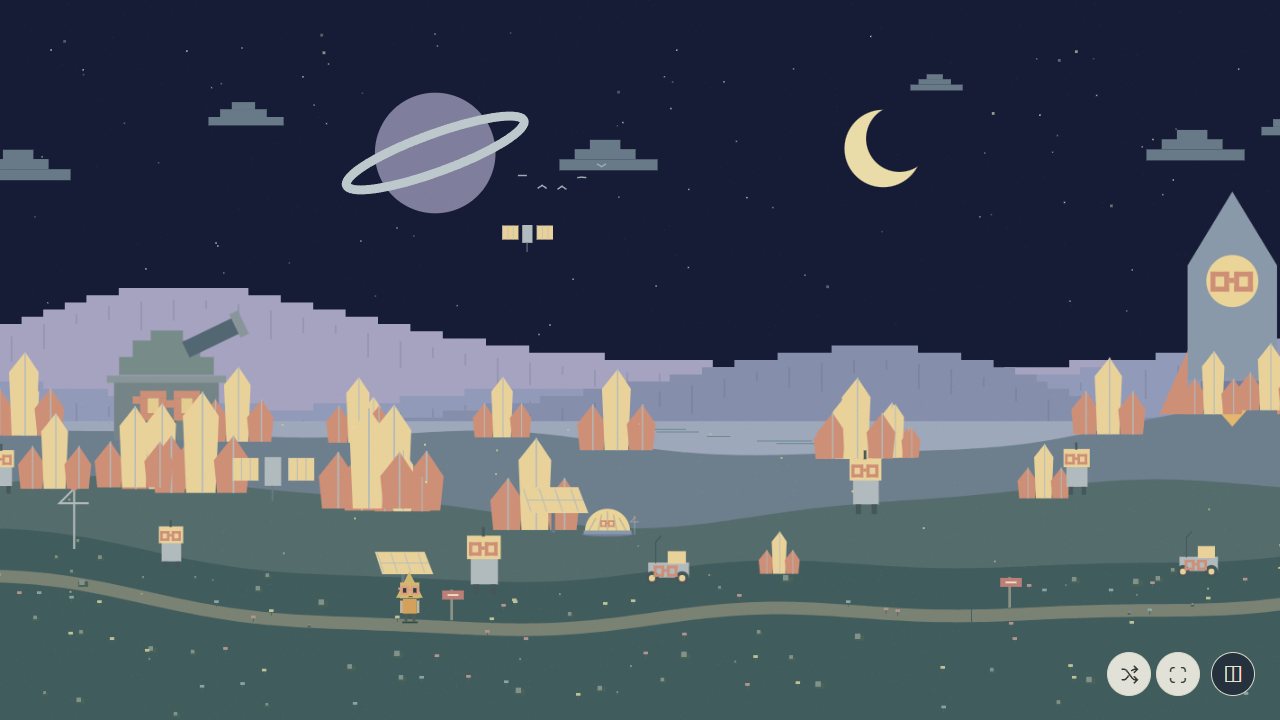
Nouns Scenery is an endless landscape that draws itself as you wander. Drift sideways through Noggle Valley, Lantern Town, Coral Coast or Lunar Nounpost, or wander through all twelve worlds with no borders in between.
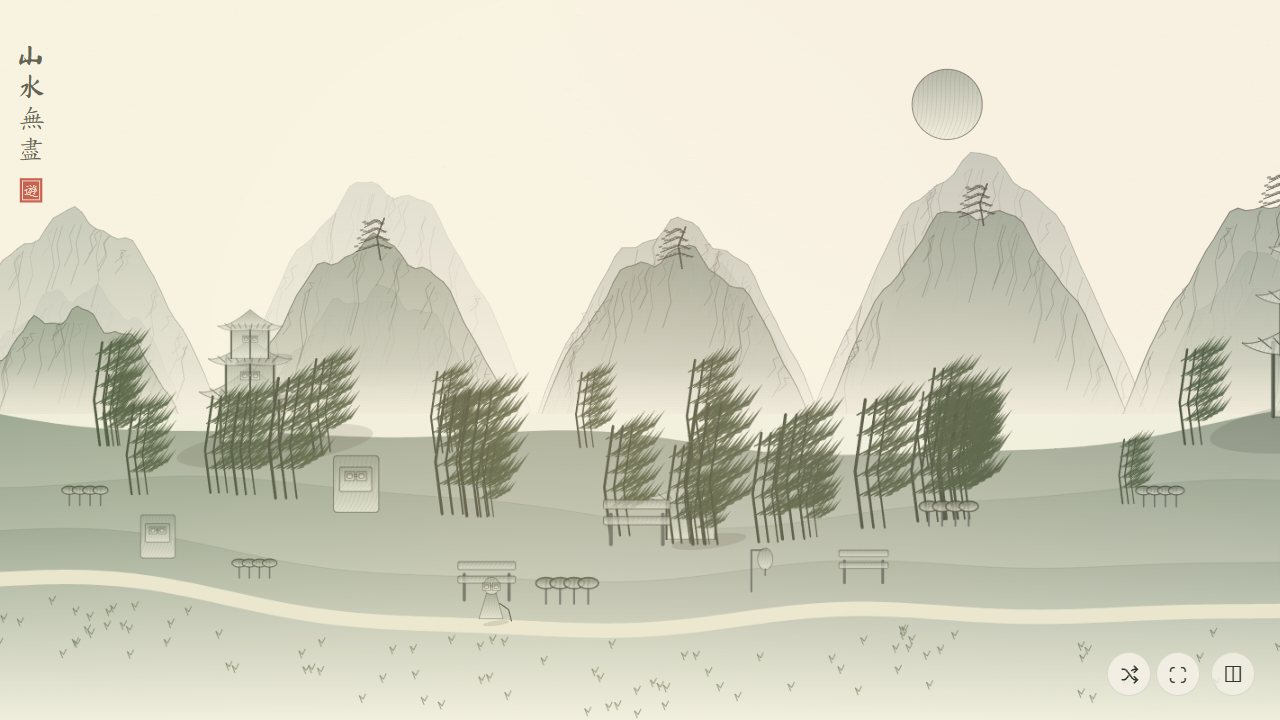
Change the look whenever you like: fourteen art styles from Nouns and pixel pastoral to ink scroll, blueprint, crayon and anime, plus 63 colour palettes, three kinds of light and four kinds of weather. Along the way you meet locals, discover Noggle monuments and tiny villages.
Every world comes from a seed, so the same seed always makes the same place. Share a link to your exact spot, or save a large postcard of the view to keep.
Nouns Scenery screenshots
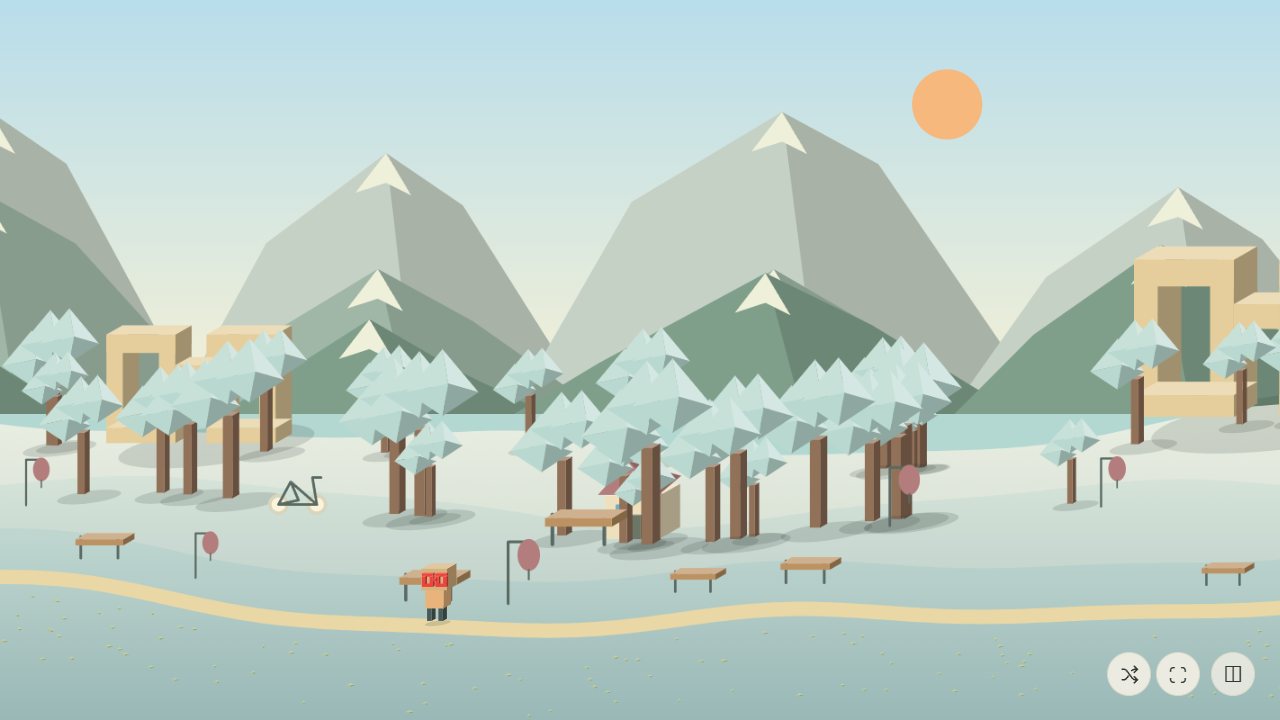
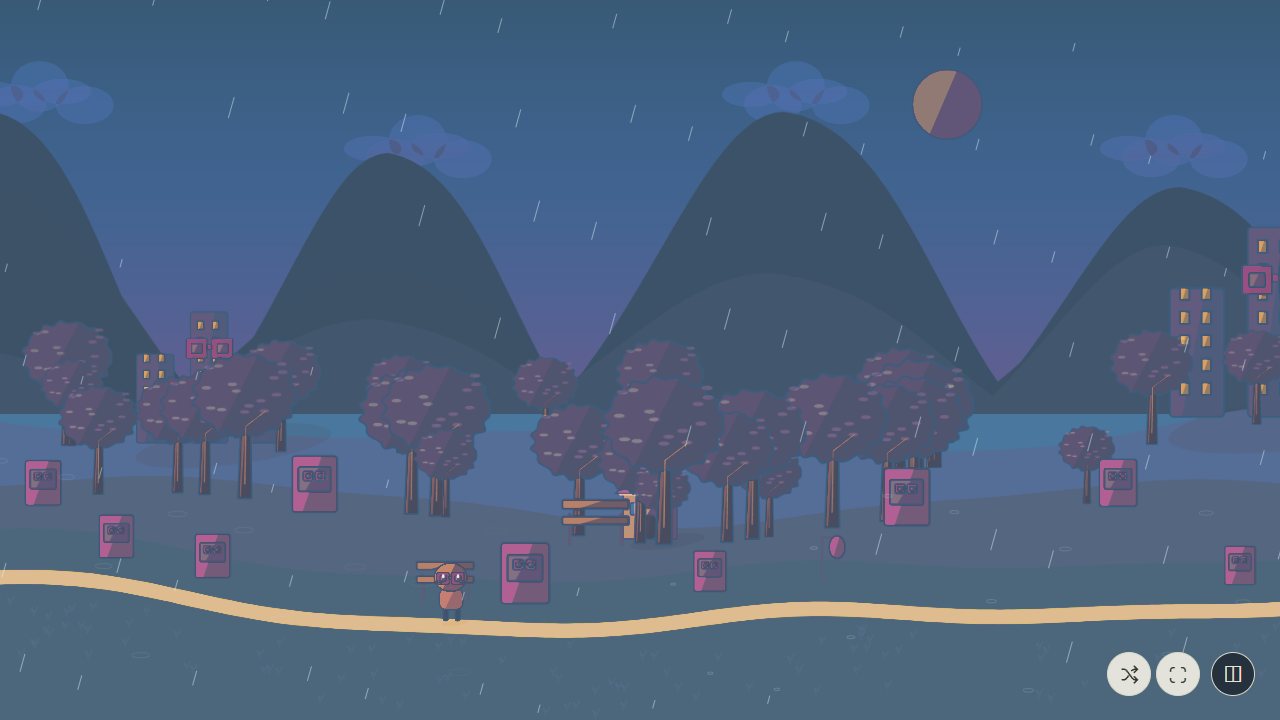
Features
12 sceneries, one endless world
From Noggle Valley and Peach Blossom Hills to Electric Noun City and Cloud Nine Gardens.
14 art styles
Each style redraws the scene itself: Nouns, Chinese calligraphy, pixel pastoral, storybook, paper cutout, risograph, 3D diorama, pencil sketch, anime and more.
63 colour palettes
Palettes are separate from styles, so you can mix any look with any colours, or shuffle for a surprise.
Weather and sound
Wind, rain, thunder and birdsong, with a mixer for each.
Meet the locals
Chat with Nouns from the games or illustrated townsfolk along the way.
Share your exact place
The link remembers the seed, position, scenery, style, palette, light and weather.
Postcards
Save a 2400 × 1350 picture of the view, made right on your device.
Drift and immersive mode
Let it scroll by itself at your own pace and hide the controls.
How to wander
- Open Nouns Scenery. It starts drifting through the landscape by itself.
- Drag, swipe or use ← → to wander, or press Space to start and stop drifting.
- Pick a scenery, art style, palette, light and weather from the controls.
- Tap a local to say hello.
- Press S to save a postcard, or copy the link to share your exact spot.
Controls
Keyboard & mouse
- Drag · ← →
- Wander west or east
- Space
- Drift on or off
- 1 / 2 / 3
- Daylight, golden hour, moonlight
- R
- New seed
- S
- Save a postcard
- H
- Hide the controls
- M · F
- Sound · full screen
Touch
- Swipe
- Wander
- Tap
- Meet a local
Sceneries
Nouns Scenery questions
Is Nouns Scenery free?
Yes. It is free in your browser, with no ads and no sign-up.
Is it really endless?
Yes. The landscape is generated as you go, tile by tile, for as far as you care to wander.
Will the same link show the same place?
Yes. Worlds come from a seed, and a shared link includes your exact position, scenery, style, palette, light and weather.
Can I save a picture?
Yes. Save postcard creates a 2400 × 1350 image of the current view on your device.
Does it have sound?
Yes. Wind, rain, thunder and birds are made live in your browser, with a mixer for each sound.
Ready to wander?
Free in your browser on phones, tablets and computers. No download, no sign-up.
 Nouns K12
 Nouns Lingo
 Nouns News
 Nouns Calm
 Nouns Cooking
 Nouns PDF Studio